Compare Platforms
One DOYOS MT5 account works everywhere — pick the platform that fits how you trade.
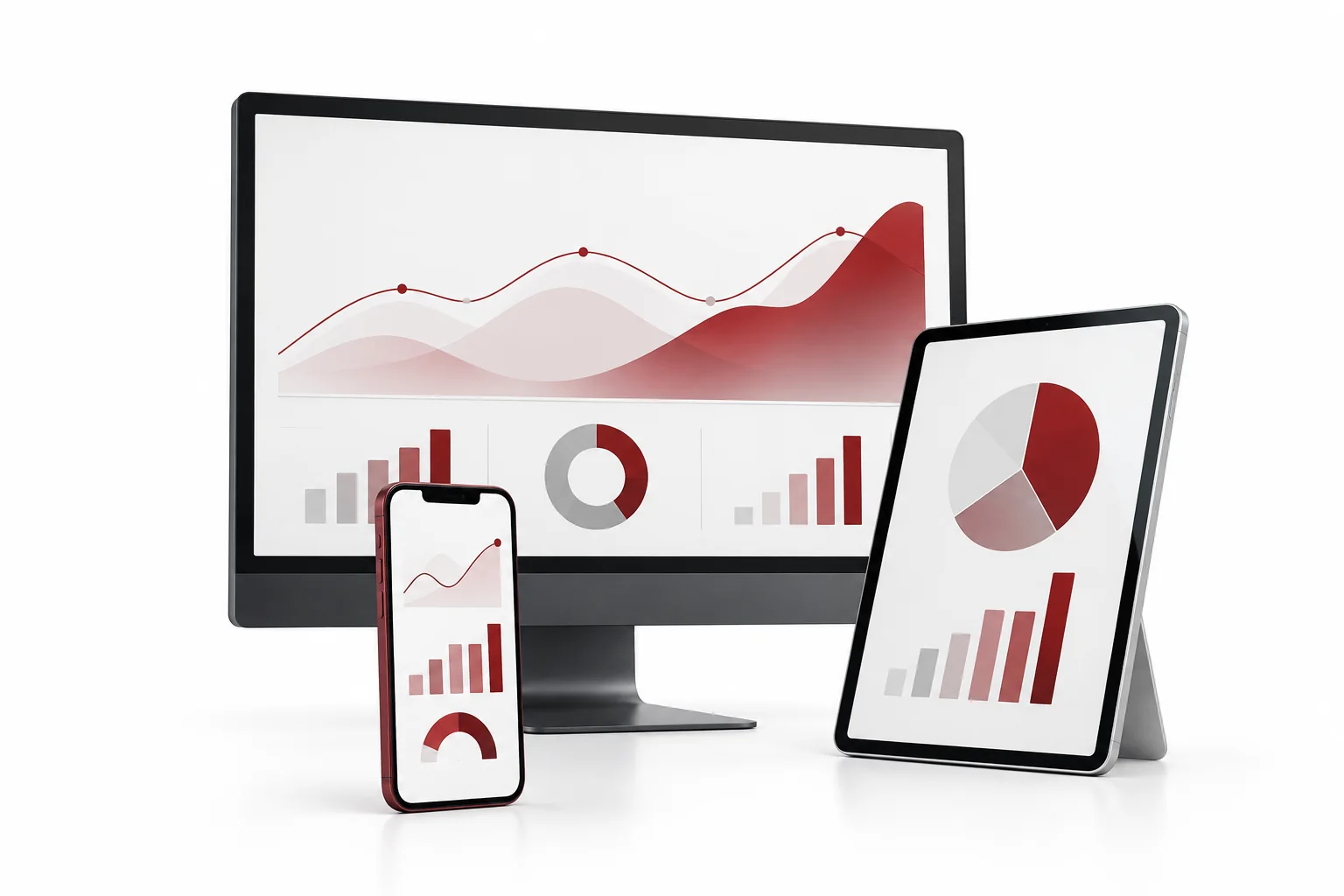
MT5 Windows vs Android vs Mac/iOS vs Web
All four platforms connect to the same DOYOS MetaTrader 5 servers with 2250+ instruments, leverage up to 1:100 and one-click execution. The difference is power, portability and convenience.
Comparison table
| Feature | MT5 Windows | MT5 Android | MT5 Mac / iOS | MT5 Web |
|---|---|---|---|---|
| Installation | Desktop terminal (MT5 Windows) | App from Play Store (MT5 Android) | macOS / iOS app (MT5 Mac/iOS) | No install, browser-based (MT5 Web) |
| Expert Advisors (algo trading) | Full EA + MQL5 support | Not supported | Limited (iOS none) | Not supported |
| Charting & indicators | Full: 21 timeframes, 38+ indicators | Compact charts, 30 indicators | Full on Mac, compact on iPhone | Full charts, no custom add-ons |
| One-click trading | Yes | Yes | Yes | Yes |
| Price alerts | Desktop + email alerts | Push notifications | Push notifications | Browser alerts |
| Works offline / anywhere | Home / VPS setup | Trade from anywhere | Trade from anywhere (Apple) | Any device with a browser |
| Best for | Active & algo traders | Mobile scalping on the go | Apple users, mobile + desktop | Quick access, shared PCs |
Which platform is right for you?
MT5 Windows — maximum power
Full EAs, strategy tester, depth of market and multi-chart layouts. Get MT5 Windows →
MT5 Android — trade anywhere
Full account control, push alerts and mobile charting in your pocket. Get MT5 Android →
MT5 Mac/iOS — for Apple traders
Native macOS terminal plus iPhone/iPad trading with iCloud sync. Get MT5 Mac/iOS →
MT5 Web — nothing to install
Log in from any browser in seconds. Ideal for travel or office PCs. Launch MT5 Web →
Use them together
One login, all devices. Analyse on Windows, manage on mobile, close from Web. See trading conditions.
Start in 3 steps
Log in & trade
Use the credentials emailed to you — the same login works on all four platforms.
FAQs
Can I use the same account on all four platforms?
Yes. One DOYOS MT5 login works simultaneously on Windows, Android, Mac/iOS and Web.
Do EAs work on mobile or Web?
No. Expert Advisors and custom MQL5 indicators run on the Windows desktop terminal (or a VPS). Mobile and Web are for manual trading and position management.
Which platform is best for beginners?
Start with MT5 Web or Android for simplicity, then move to Windows when you want advanced charting and automation. Practise first on a demo account.
Is there any price difference between platforms?
No. Spreads, commissions, swaps and execution are identical — only the interface and toolset differ.
Start with the full guide
MT5 overview, features and downloads