
MT5 for Windows
Full desktop terminal for Forex, metals, indices and crypto CFDs — EAs, hedging, Depth of Market and ultra-fast execution.
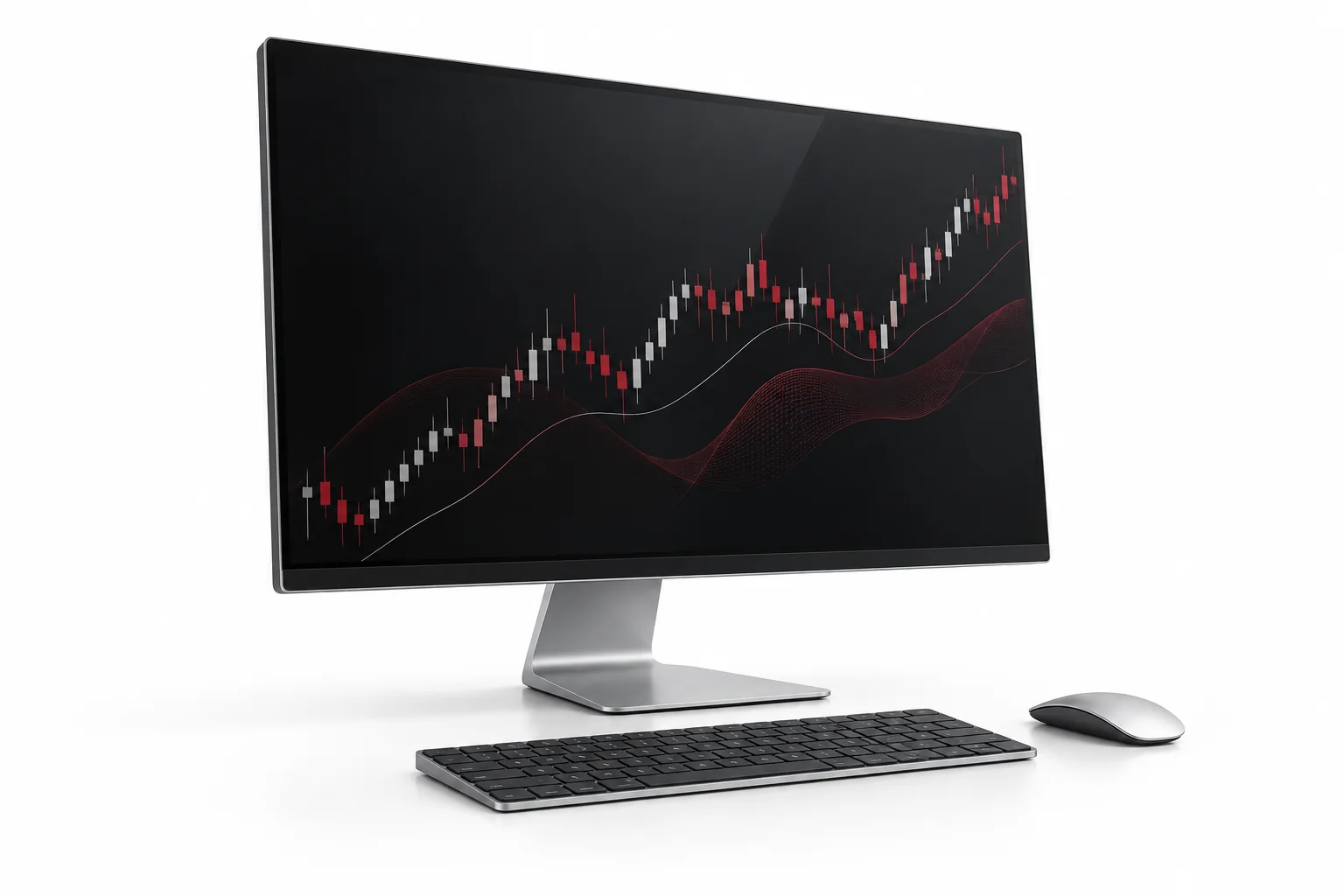
Desktop power for serious trading
MT5 Windows is the complete DOYOS terminal: 21 timeframes, 38 technical indicators, 44 objects, 6 pending order types, netting and hedging, built-in economic calendar and MQL5 Expert Advisors for automation.
Platform capabilities
| Feature | MT5 Windows | Benefit |
|---|---|---|
| Expert Advisors (EAs) | Fully supported + Strategy Tester | Automate, backtest and optimise on tick data |
| Order types | Market, limit, stop, stop-limit + SL/TP | Precise entries and risk control |
| Analysis | 38 indicators, 21 timeframes, DOM | Depth and speed for scalping to swing |
| Accounts | Demo + live, hedging/netting | One login for 2250+ instruments |
| Alerts | Price, news and push notifications | Never miss volatility |
System requirements
| Requirement | Minimum | Recommended |
|---|---|---|
| OS | Windows 8.1 64-bit | Windows 10 / 11 64-bit |
| CPU | Dual-core 1.8 GHz | Quad-core 2.5 GHz+ |
| RAM | 4 GB | 8 GB+ |
| Disk | 500 MB free | 2 GB SSD free |
| Internet | 2 Mbps | 10 Mbps+ wired or stable Wi-Fi |
Setup steps
Install & log in
Run the installer, search “DoyosGlobal-Server” and log in with MT5 credentials.
Trade & automate
Add XAUUSD, EURUSD and indices, attach EAs, set stops and monitor in Toolbox.
Frequently asked questions
Do EAs work on demo?
Yes. Test any EA on demo with the Strategy Tester before going live. VPS is recommended for 24/5 automation.
Can I use hedging?
Yes, hedging accounts allow simultaneous long and short on the same symbol, subject to margin and account terms.
Where is the download?
After registration you receive the official MT5 Windows installer link plus server name and login in the portal.
- One login for demo + live with hedging/netting options.
- Attach EAs from Navigator and allow automated trading per chart.
- Monitor open risk in Toolbox — exposure, margin and free margin.
New to MT5?
Platform overview and instruments
Not sure which terminal fits?
Windows vs mobile vs Web
Ready to install?
Get credentials and installer link