Use a unique password
Use a long password created specifically for the client portal and email account.
Learn how identity checks, payment ownership, access controls and client-side security work together.
Trading leveraged products involves significant risk.
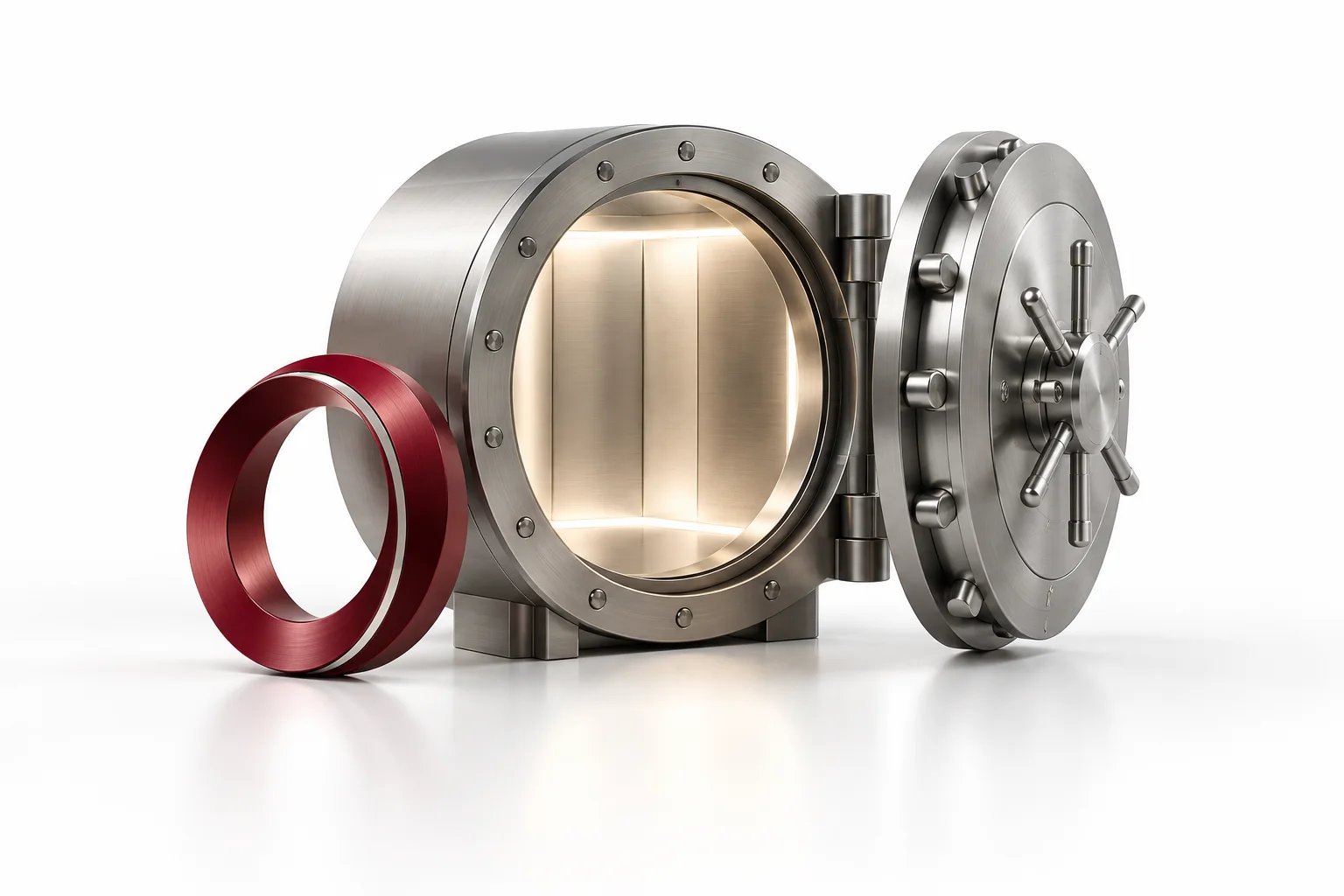
DOYOS applies onboarding, payment and monitoring controls, while each client remains responsible for protecting credentials, devices and payment instructions.

Most account compromises begin with a reused password, malicious link, unsafe device or social-engineering request.
Use a long password created specifically for the client portal and email account.
The email linked to the account is part of the security chain and should use strong authentication.
Type the official portal address or use a trusted bookmark instead of unknown links.
Install security and browser updates and avoid trading from shared devices.
Report any unrecognised funding, profile or account activity immediately.
DOYOS staff should never ask you to reveal a password or remote-control your device.
Fraudsters can impersonate brokers, relationship managers or payment teams. Use the authenticated portal and known support channels before sending funds.
Verify a requestRespond quickly when anything looks unfamiliar.
No legitimate support process should require your portal or MT5 password. Never share it by email, chat or phone.
Change the affected passwords from a trusted device, review email and portal sessions, and contact support immediately.
Public networks can create interception and device-security risks. Prefer a trusted connection or a secured personal hotspot.
Profile changes, a new device, a new payment destination or transaction pattern may require additional verification.
Preserve the message, sender address, phone number, payment details and screenshots, then contact DOYOS through an official channel.
Use the official client portal, secure your email and report unfamiliar activity without delay.