Live quotes
Follow bid and ask prices for symbols enabled on the account.
Monitor markets, analyse charts and manage eligible DOYOS positions from the official MetaTrader 5 application for Android.
Trading leveraged products involves significant risk.
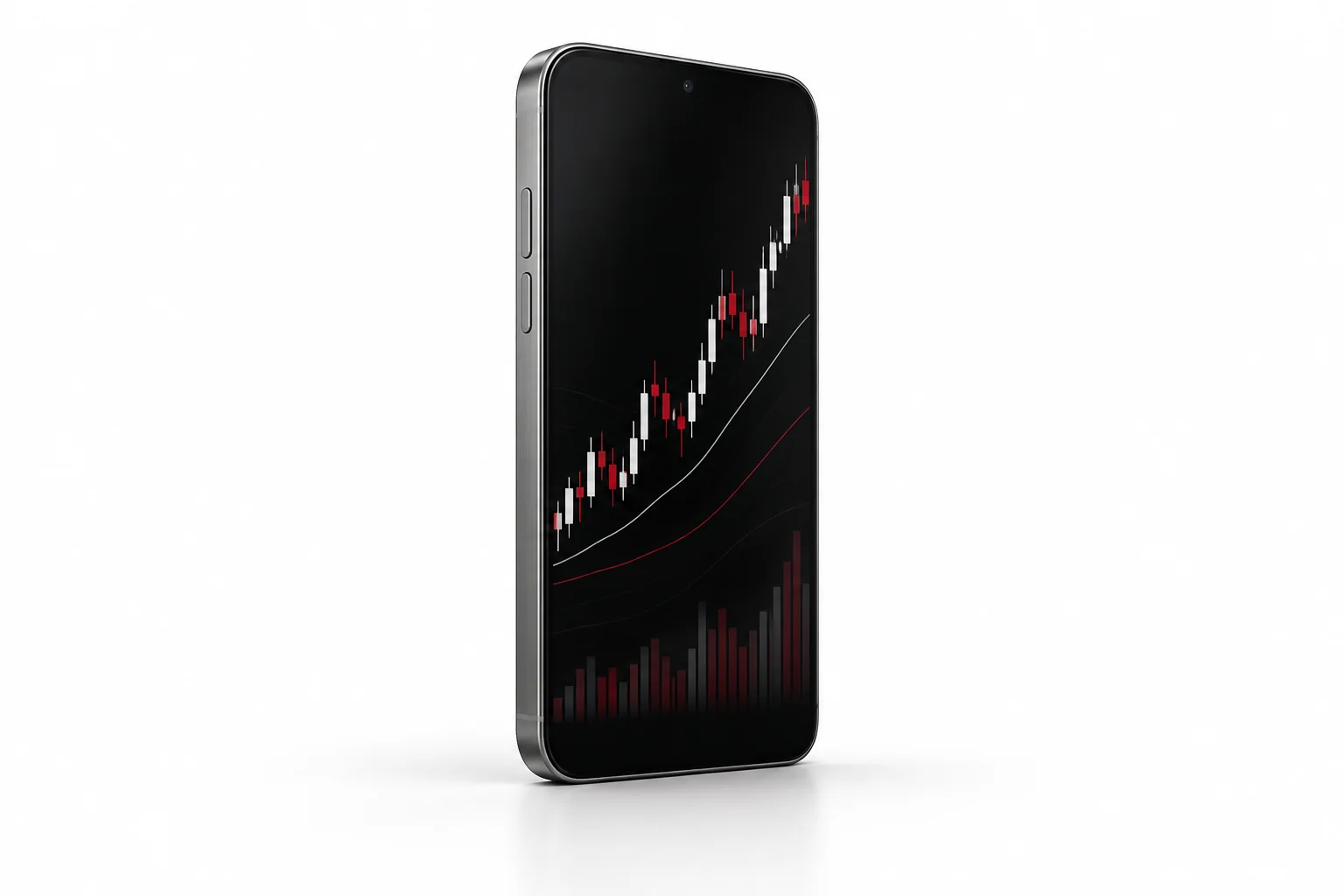
Platform functions vary by operating system and version, but all options connect to the same DOYOS MT5 account environment.
Follow bid and ask prices for symbols enabled on the account.
Use mobile charting, timeframes and popular technical indicators.
Open, modify and close positions from the mobile order ticket.
View balance, equity, margin, free margin and trading history.
Receive platform alerts when configured with a connected desktop terminal.
Use device protection and never share trading credentials or verification codes.

After installation, use the login number, password and DOYOS server supplied in the client portal or account email.
Common setup and access questions.
The DOYOS client portal or account-opening communication provides the trading-account number, server and login instructions.
No. Live quotes, account updates and order transmission require a stable connection to the trading server.
Confirm that you installed the correct application, search for the DOYOS server name and contact support if it remains unavailable.
Public networks can create security risks. Prefer a trusted connection and avoid saving credentials on shared devices.
Use the official download or web-terminal link, then sign in with the server details assigned to your account.