No local installation
Access the terminal from a compatible modern browser and internet connection.
Open MT5 in a compatible browser without installing desktop software, using the server and account credentials supplied by DOYOS.
Trading leveraged products involves significant risk.
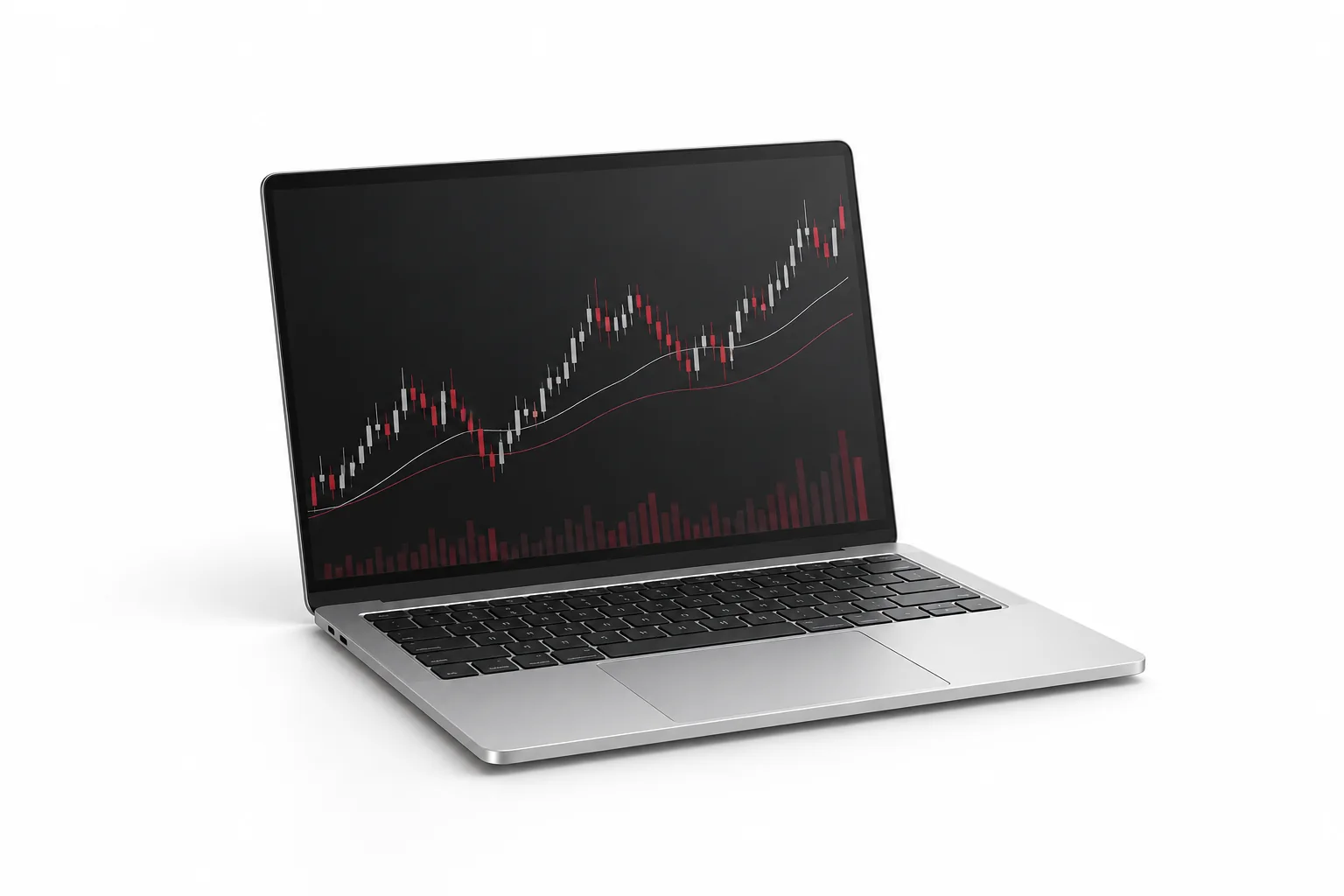
Platform functions vary by operating system and version, but all options connect to the same DOYOS MT5 account environment.
Access the terminal from a compatible modern browser and internet connection.
Monitor quotes and manage available market and pending orders.
Use browser charts and technical tools for supported symbols.
Useful when a local desktop installation is not available.
Confirm the correct server and protect account credentials on shared devices.
Review balance, equity, margin and open positions from the browser.
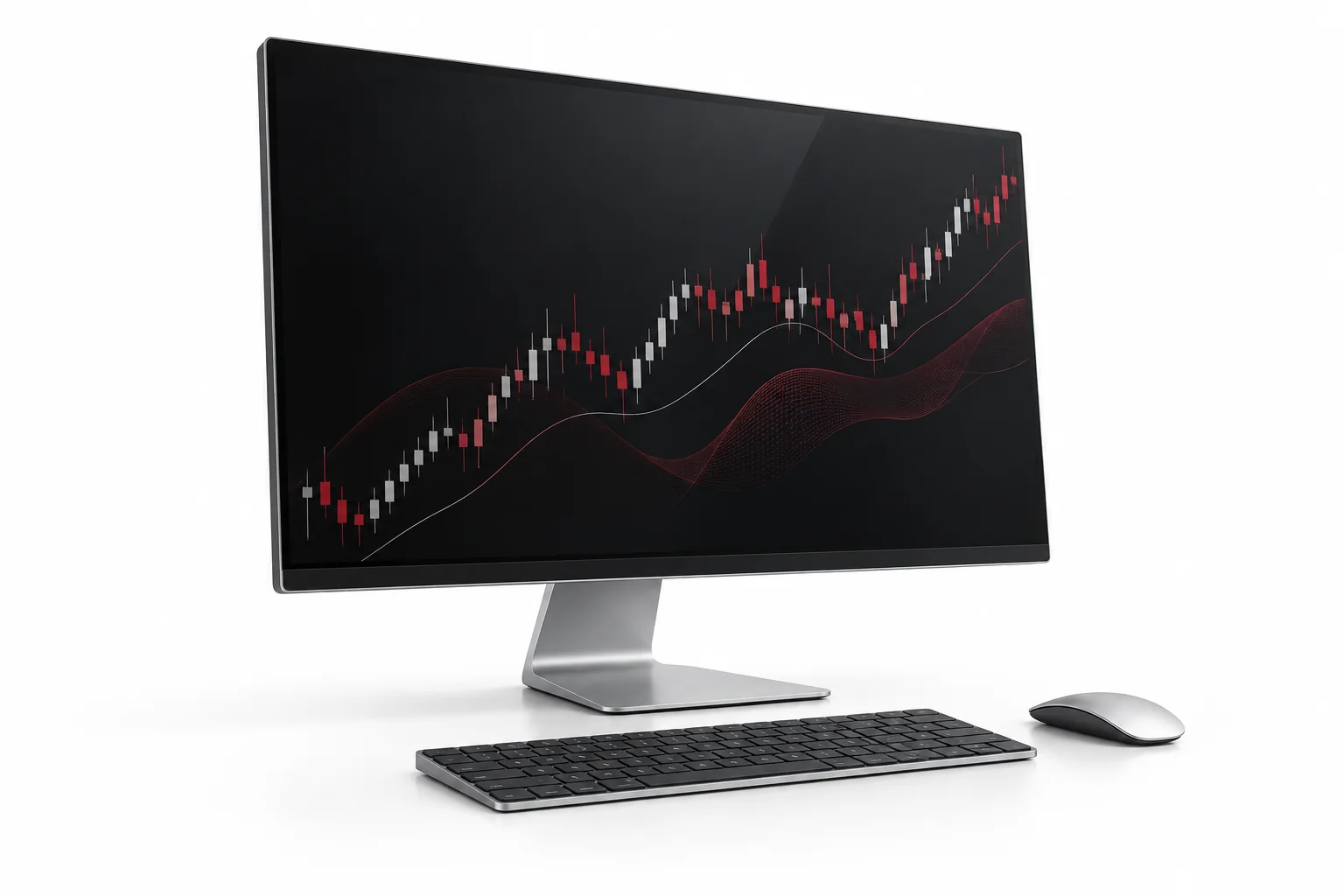
After installation, use the login number, password and DOYOS server supplied in the client portal or account email.
Common setup and access questions.
The DOYOS client portal or account-opening communication provides the trading-account number, server and login instructions.
No. Live quotes, account updates and order transmission require a stable connection to the trading server.
Confirm that you installed the correct application, search for the DOYOS server name and contact support if it remains unavailable.
Public networks can create security risks. Prefer a trusted connection and avoid saving credentials on shared devices.
Use the official download or web-terminal link, then sign in with the server details assigned to your account.